How the unit is used
Long-term only, short-term only, mixed, owner use, or unavailable — filter and open the unit you need.

Rental Control
See every unit: leases, guest stays, mixed use, and owner blocks. Open the right tool from that unit — checklists, access, and billing included.

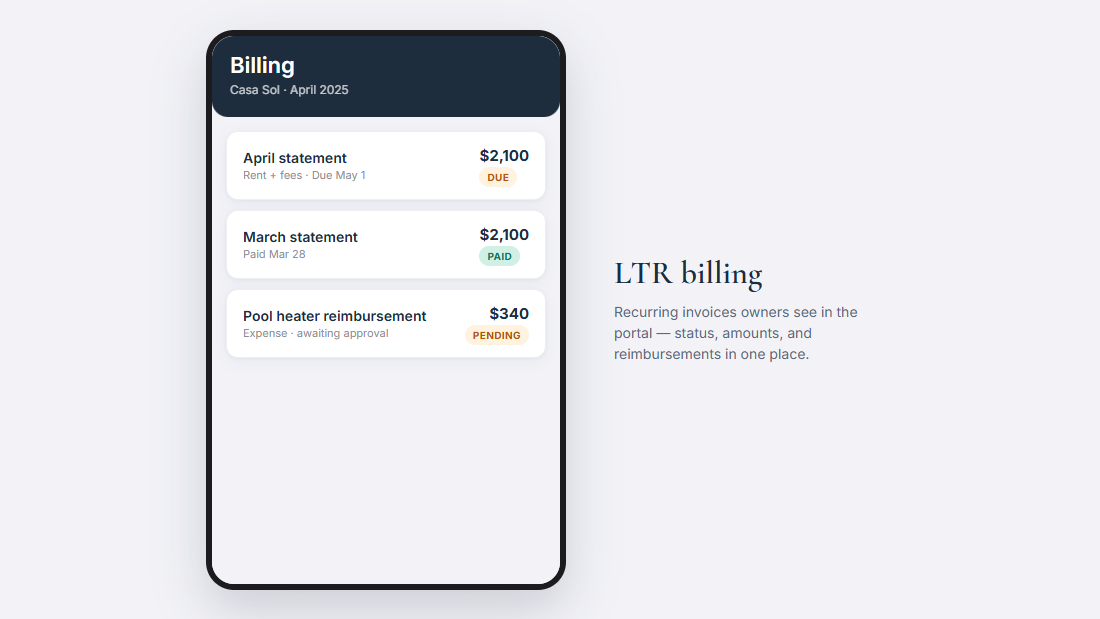
Long-term rentals
Add a tenant, set the rent and dates, then start the lease. Portfolia creates the tenant, records move-in, puts it on the calendar, and can seed move-in checklists.
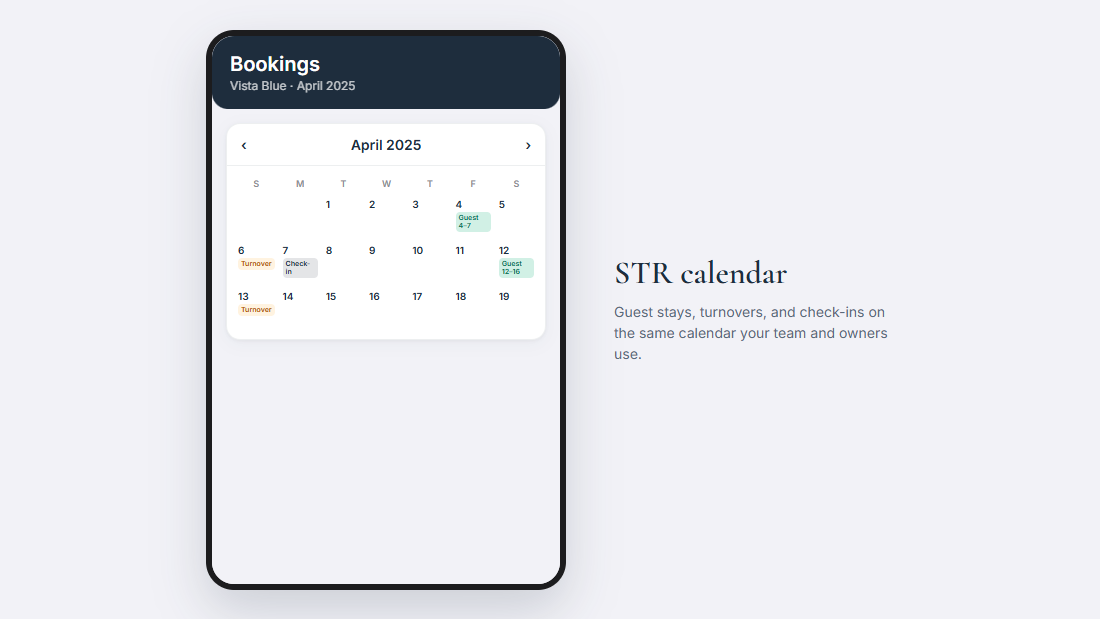
Short-term rentals
Pricing and listings stay in your short-term tools. Stays stay in Bookings. Rental Control shows who’s in each unit and opens the right screen.
Units & mixed portfolios
Long-term only, short-term only, mixed, owner use, or unavailable — filter and open the unit you need.
Leases, bookings, and owner blocks show together — so mixed work doesn’t live in two calendars.
Owners see lease summary, recent bookings and income when available, and occupancy — your staff task list stays private.
Managers run the day. Admins set the company up. Owners get clear answers in the portal.