Staff & invitations
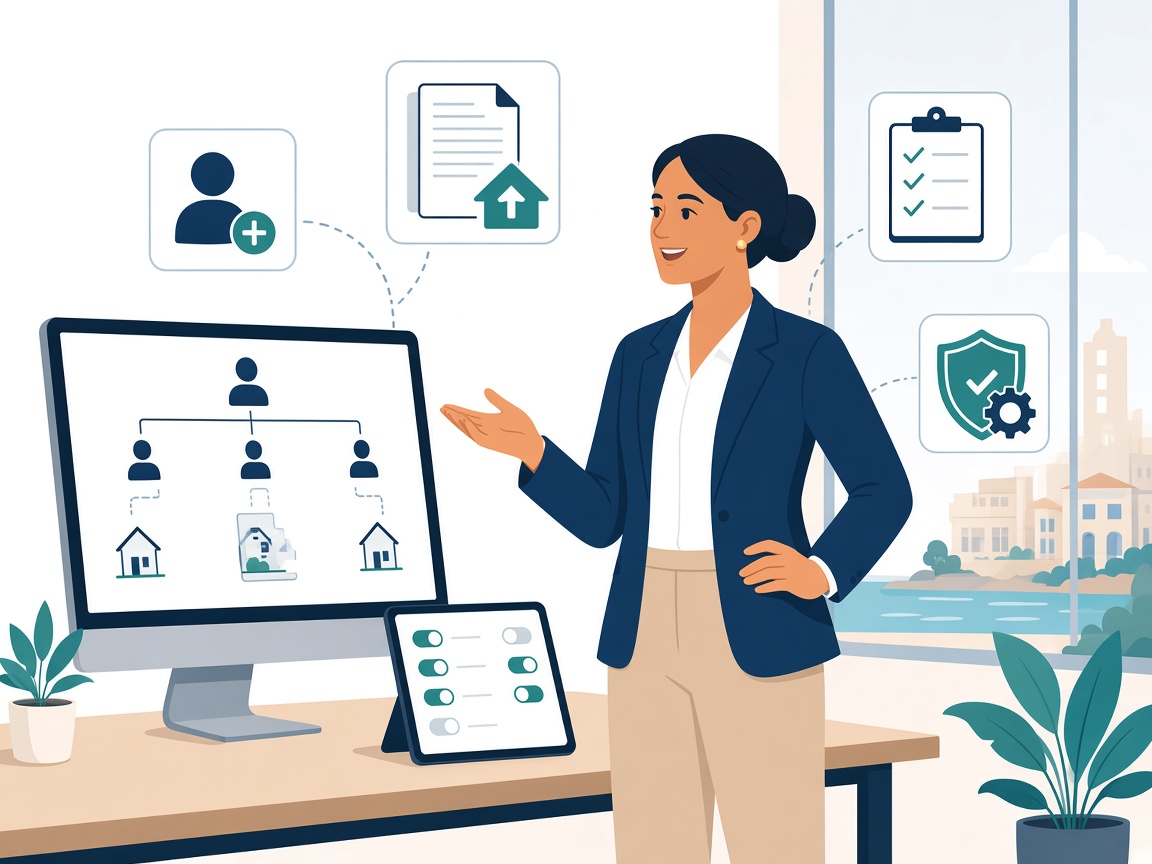
Invite Managers, assign properties, and turn on only what they need — clear roles from day one.

Admin
Staff access, checklist templates, email automations, and Ask training — so Managers and Owners work from one clear system.
What you get
Set access, templates, and automations once — then the team runs the day with the right tools.
Invite Managers, assign properties, and turn on only what they need — clear roles from day one.
Build reusable packs. Managers run automated checklists in Tasks — standards stay company-wide.
Rent reminders, statements, welcome and door-access templates — in your company’s voice.
Automatic lock codes and invitation links for stays and jobs — timed to the calendar.
Upload manuals and Q&A so Ask answers in your company’s voice — English and Spanish.
Invite owners, link properties, and control what they see — transparency you choose.
Admin day to day
Invite Managers, assign properties, and turn on only what they need — properties, owners, tenants, expenses, invoices.
Turn features on or off by role in Settings. If someone can’t see something, start here — then check their access.
Add and maintain properties for the company. Keep names clear so Ask, reports, and owners stay easy to understand.
Invite owners, link them to the right property, and control what they see. Owners use the portal — they are not long-term tenants.
Upload manuals and Q&A so Ask answers in your company’s voice. English and Spanish documents help both languages.
Build reusable checklist templates. Managers run the work in Tasks — they don’t build company templates.
Good habits