Property status
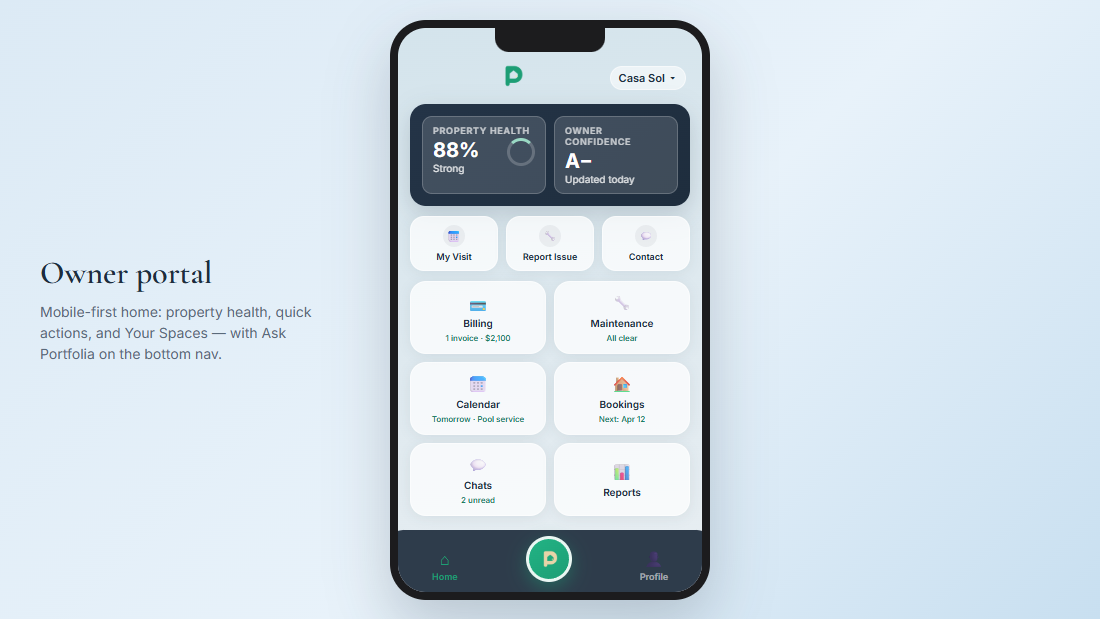
Live view by property name — tickets, readiness, and what’s next at a glance.

Owner
A clear portal for their property: status, issues, rent, messages — and Ask Portfolia when they want a quick answer.

What owners get
Everything they need for their property — while your internal ops stay on your side of the desk.
Live view by property name — tickets, readiness, and what’s next at a glance.
Open a ticket with photos. See status updates as your team works the loop.
Lease summary, bookings and income when available, and occupancy — clear enough to renew on.
Write the team inside Portfolia — short notes with clear next steps.
Answers from their property’s live data — maintenance, rent, what’s next — any time they open the portal.
Download what your company shares. Message the Manager if something needs a closer look.
Most common actions
Also available when your company enables it
Download what your company shares. Message your Manager if something looks wrong — you don’t edit billing yourself.
See schedule info for your property. Create your own owner visits when allowed.
Big button on mobile. Try Ask before searching menus. Tap Not helpful if an answer is wrong.

They open Ask and get answers from ticket history and rent status — by property name, in plain language.
See Ask Portfolia